ONE CLICK TURNTABLE for blender
A downloadable Addon for Windows, macOS, and Linux
One Click Export
#1
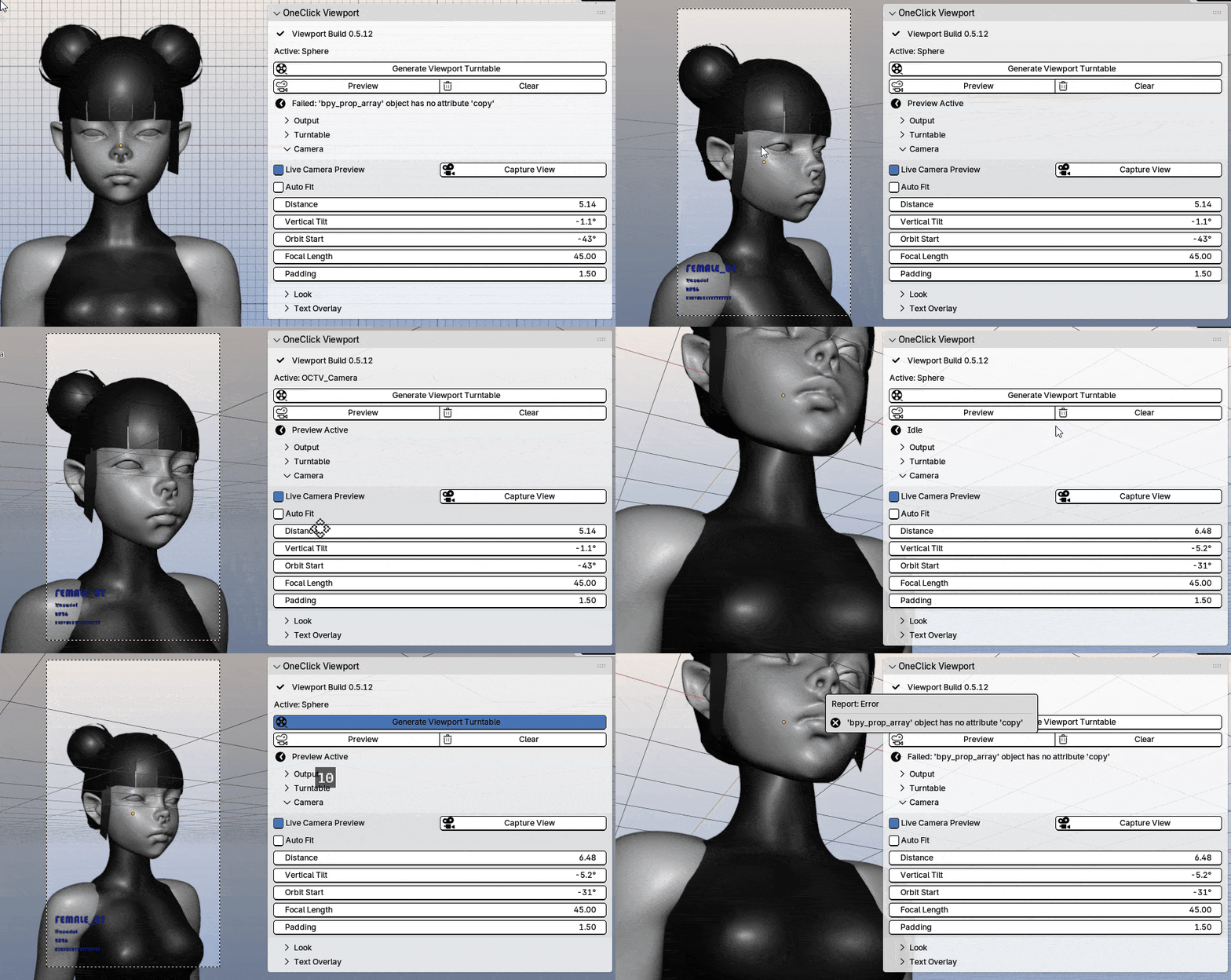
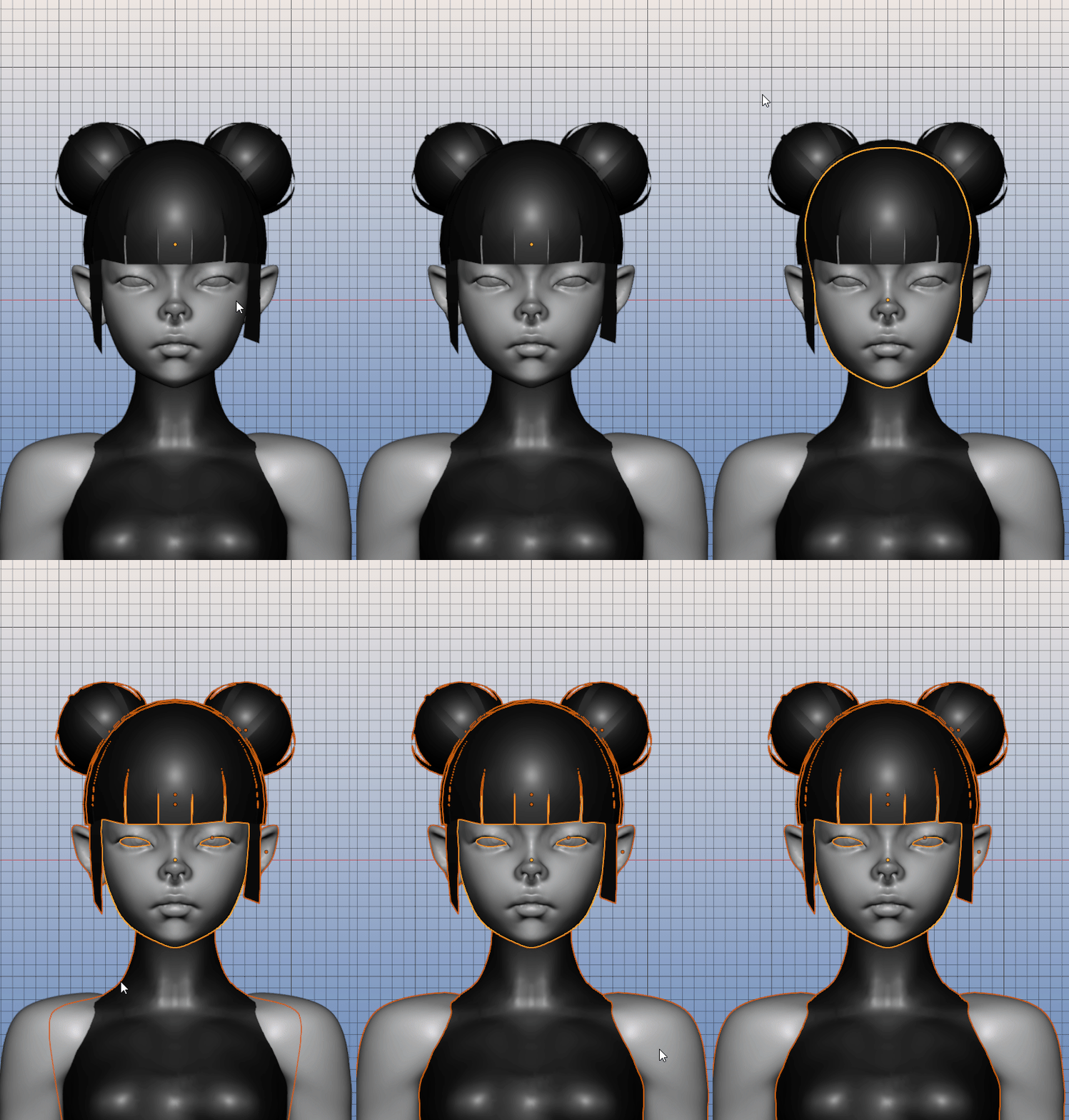
Selecciona todos los objetos que quieres que aparezcan en
el turntable, asegurate de dejar un objeto activo de preferencia
el objeto principal.
Select all the objects you want to appear on the turntable,
Make sure you leave one object from your selection active.
#2
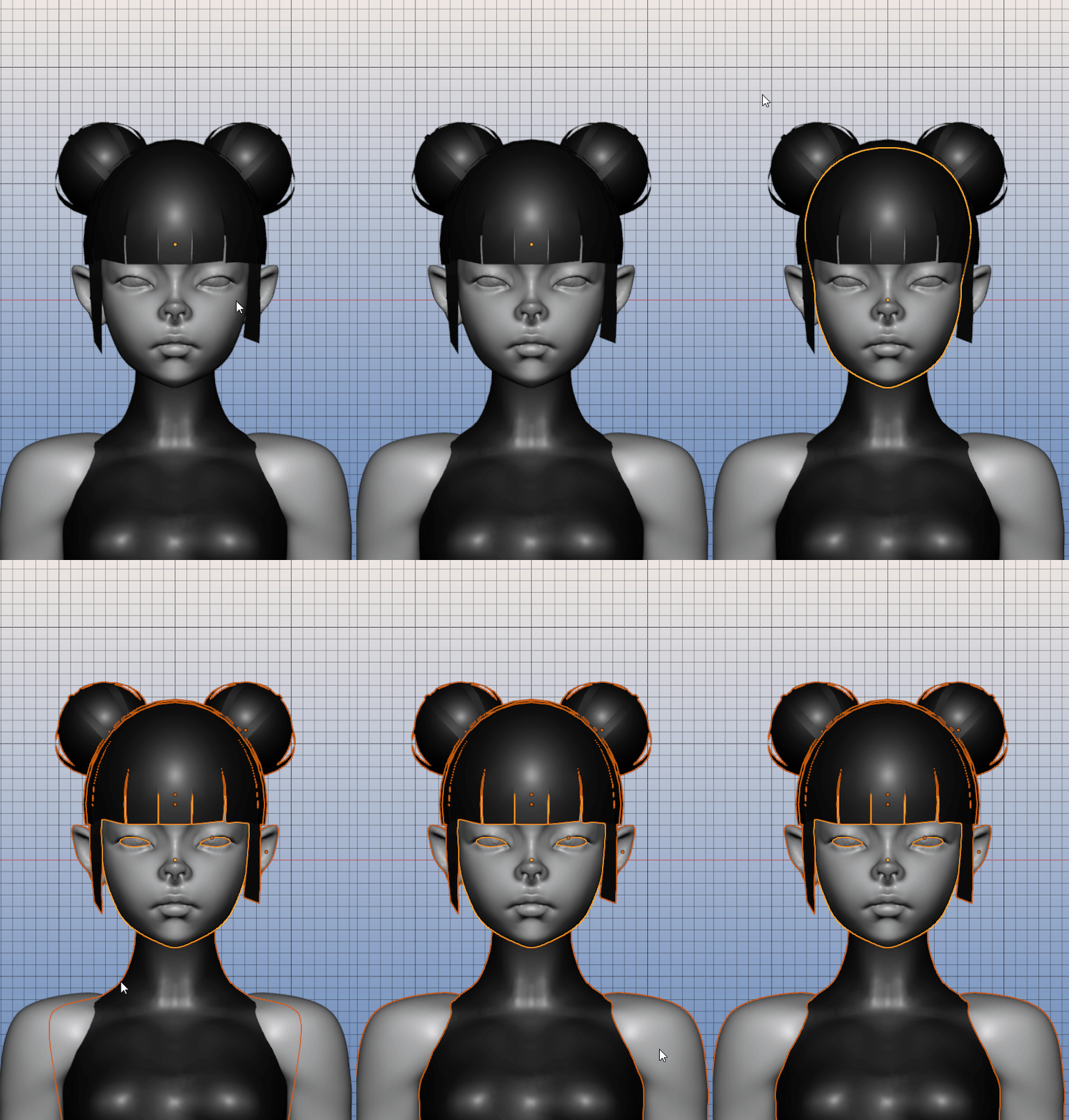
(Configura el overlays a tu gusto, aqui lo desactivo toalmente)
Da click en GENERATE VIEWPORT TURNTABLE, espera.
Ahora tu turntable esta guardado en la ruta default o configurada.
Set the overlays to your liking; in this example,
I turn them off completely.
Click GENERATE VIEWPORT TURNTABLE and wait.
Your turntable is now saved in the default or configured output path.
Documentación - Doc
●──────●──────●
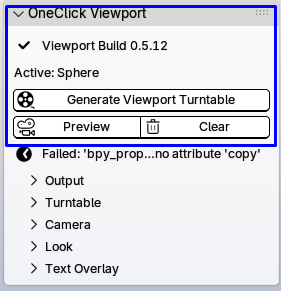
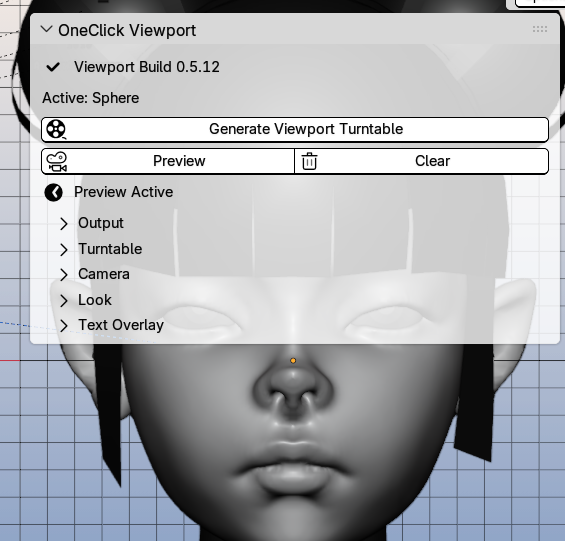
Generate Viewport Turntable
Genera y guarda el video final del turntable usando la configuración actual.
Generates and saves the final turntable video using the current settings.
Preview Turntable
Muestra una vista previa temporal para revisar el encuadre antes de exportar.
Shows a temporary preview so you can check the framing before exporting.
Clear
Elimina la vista previa temporal y restaura la escena.
Removes the temporary preview and restores the scene.
●──────●──────●
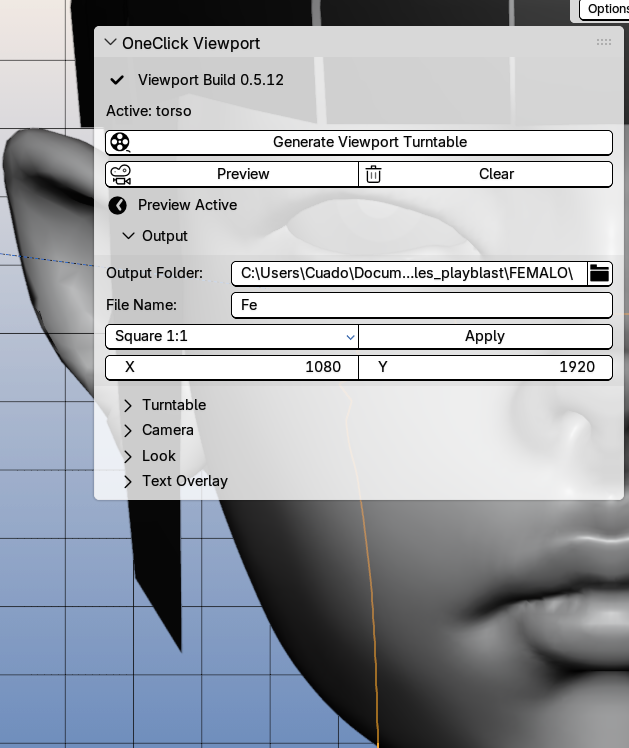
Output
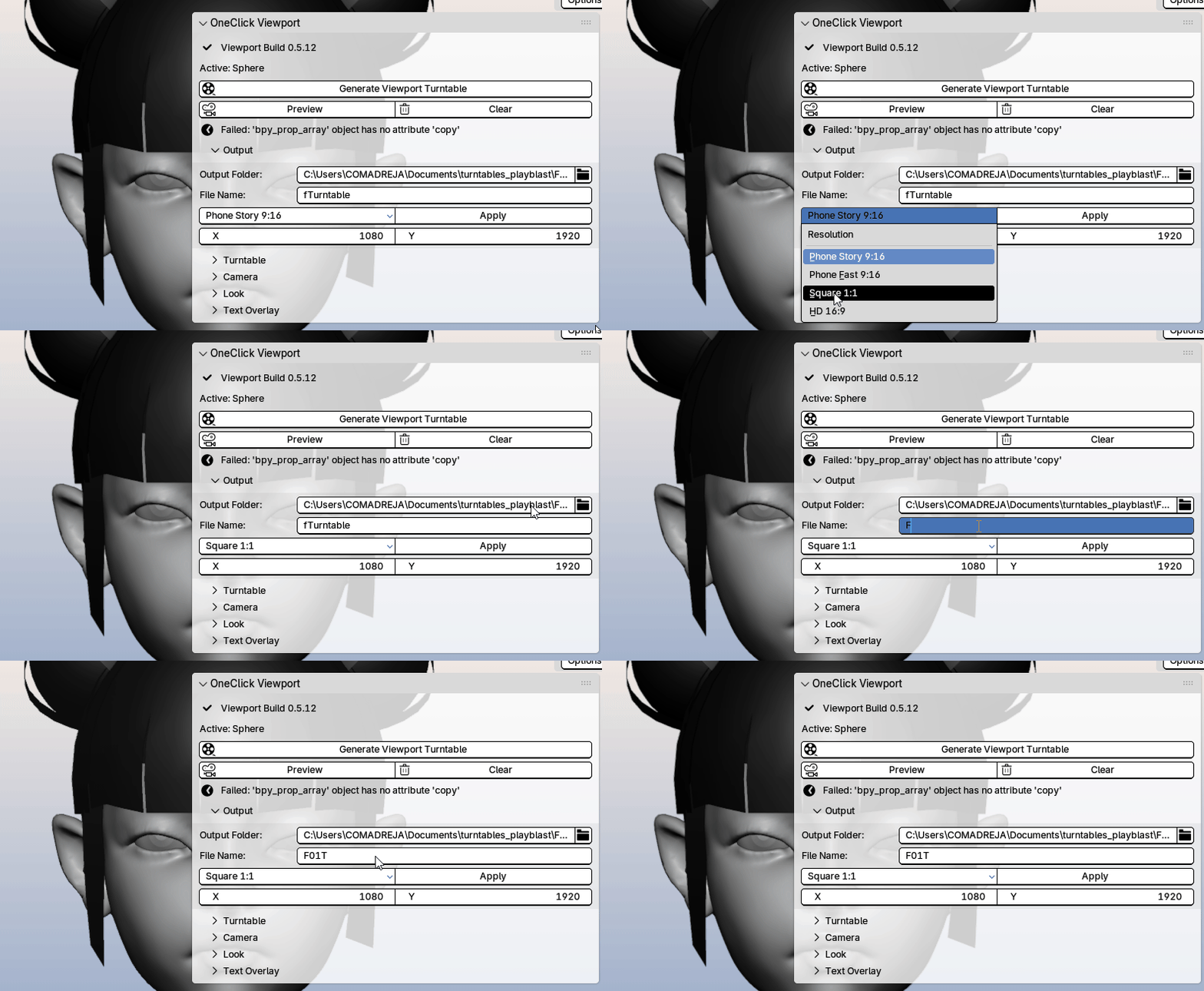
Output te permite elegir la carpeta donde se guardará el turntable, definir el nombre del archivo y seleccionar la resolución final del video.
Output lets you choose where the turntable will be saved, set the file name, and select the final video resolution.
●──────●──────●
Turntable

Turntable controla la duración del giro, los FPS del video y si el export respeta solo lo visible en el viewport.
Turntable controls the spin duration, the video FPS, and whether the export only uses what is visible in the viewport.
●──────●──────●
Camera
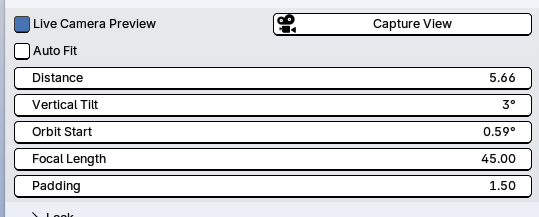
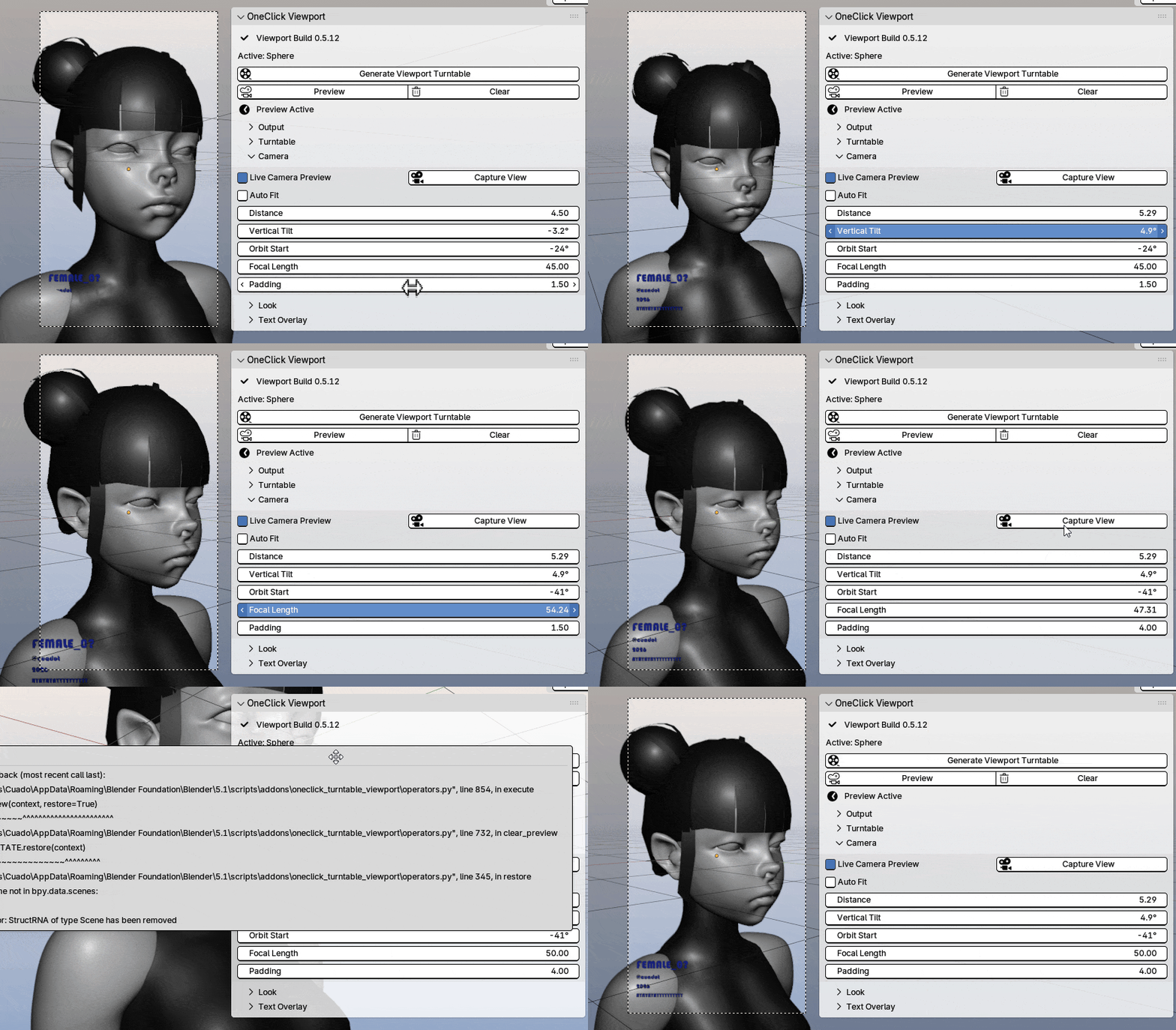
- Live Camera Preview actualiza la cámara de preview mientras cambias los valores.
Live Camera Preview updates the preview camera while you adjust the settings. - Capture View toma la vista actual del viewport como punto de partida para la cámara.
Capture View uses the current viewport view as the starting camera angle.
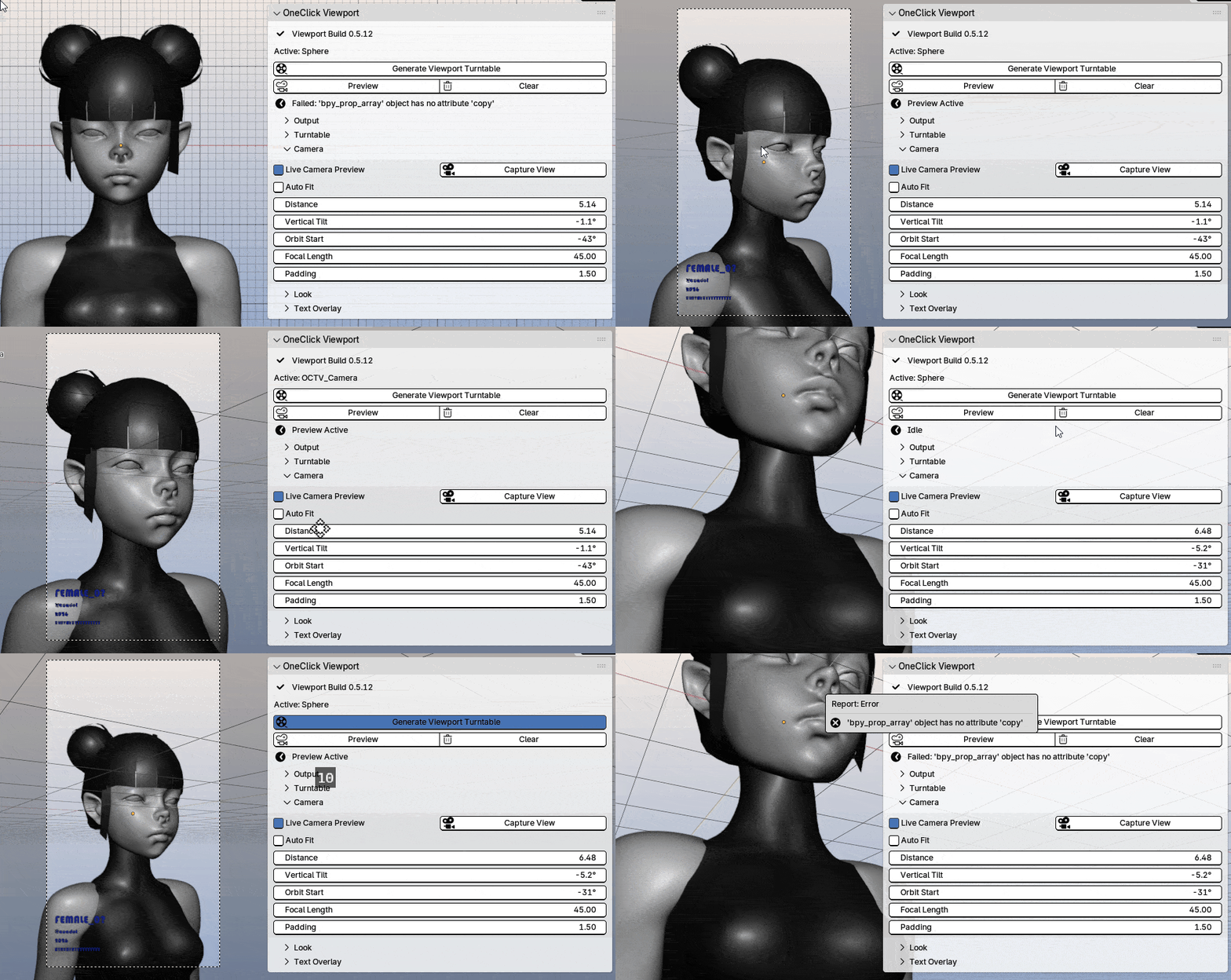
- Auto Fit ajusta automáticamente la distancia para encuadrar el objeto seleccionado.
Auto Fit automatically adjusts the distance to frame the selected object. - Distance controla qué tan lejos está la cámara del objeto.
Distance controls how far the camera is from the object. - Vertical Tilt inclina la cámara hacia arriba o abajo.
Vertical Tilt tilts the camera up or down. - Orbit Start define desde qué ángulo inicia el giro.
Orbit Start sets the starting angle of the turntable. - Focal Length controla el lente de la cámara y la perspectiva.
Focal Length controls the camera lens and perspective. - Padding agrega espacio extra alrededor del objeto dentro del encuadre.
●──────●──────●
Look
Look permite elegir si el turntable usa la apariencia actual del viewport o un estilo configurado desde el addon, incluyendo color, overlays, wireframe, iluminación, sombras y fondo.
Look lets you choose whether the turntable uses the current viewport appearance or a custom addon style, including color, overlays, wireframe, lighting, shadows, and background.
●──────●──────●
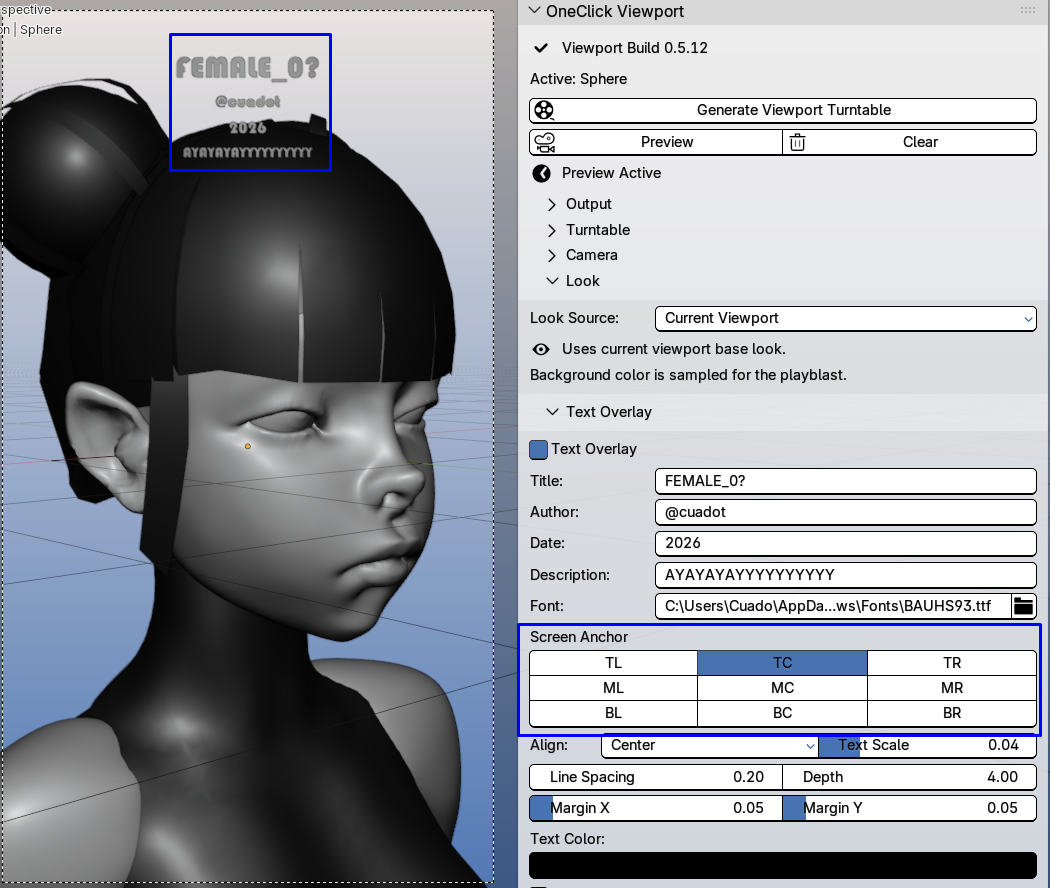
Text Overlay
●──────●──────● ●──────●──────●
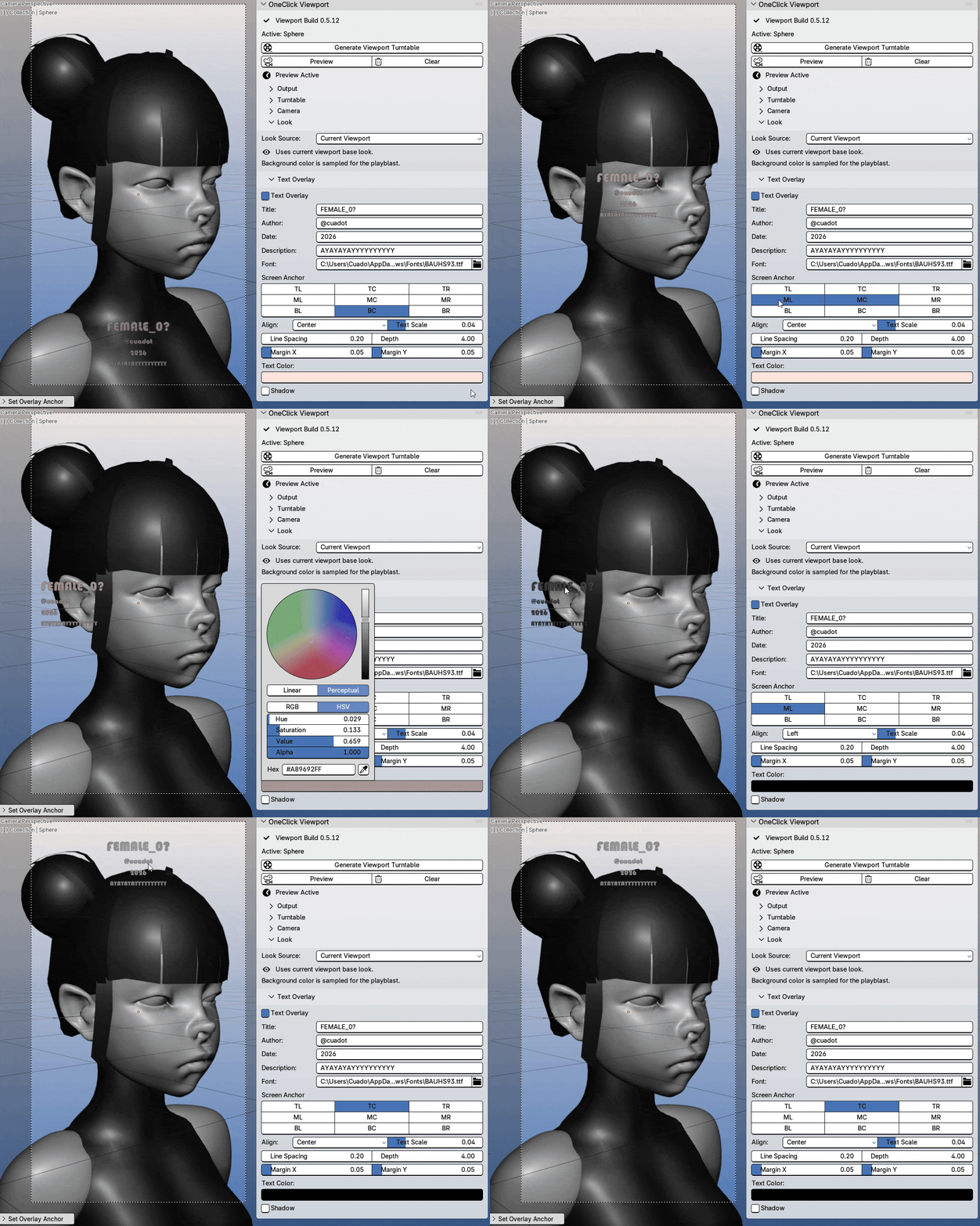
Text Overlay permite agregar texto al video, como título, autor, fecha o descripción, y ajustar su fuente, posición, tamaño, color, espaciado y sombra.
Text Overlay lets you add text to the video, such as title, author, date, or description, and adjust its font, position, size, color, spacing, and shadow.
●──────●──────●
Poquito sobre el ADDON
Actualmente el addon esta en una frase muy temprana y yo también sigo entendiéndolo porqué el codigo y traducciones los hice con IA, sin embargo me ha sido muy util y me he divertido mucho vibe codeandolo, le tengo un breve roadmap y por ahora hasta que tenga una versión muy funcional y estable será gratuito, sin embargo necesito ayuda de la comunidad para testearlo y mejorarlo.
Estoy a disposición de dentro de mi tiempo libre solucionar sus errores reportados en los comentarios, y leer sugerencias y criticas en general.
About the ADDON
The addon is currently in a very early stage, and I am still learning and understanding it myself since the code and translations were made with AI. However, it has already been very useful to me, and I’ve had a lot of fun vibe coding it.
I have a small roadmap for it, and until it reaches a more functional and stable version, it will remain free. That said, I would really appreciate help from the community to test it and improve it.
I’ll do my best, within my free time, to fix bugs reported in the comments, and I’m also open to reading suggestions, feedback, and general
●──────●──────●
●──────●──────●
Feedback Bienvenido
Este addon aún está en una etapa temprana de desarrollo y está siendo moldeado con base en el uso real. Tus comentarios son especialmente útiles en las siguientes áreas:
- Compatibilidad con diferentes versiones de Blender.
- Problemas relacionados con la apariencia del viewport.
- Problemas con la ruta de salida.
- Casos extremos en el encuadre de la cámara.
- Confusión o dificultades con la interfaz de usuario (UI).
- Solicitudes basadas en flujos de trabajo reales de artistas.
Si pruebas el addon, por favor incluye:
- La versión de Blender.
- El sistema operativo.
- Una captura de pantalla de tu configuración.
- El mensaje de error, si aparece alguno.
- Una breve descripción de lo que esperabas que ocurriera.
This addon is still young and shaped by real use. Feedback is specially useful in these areas:
- Blender version compatibility.
- Viewport look issues.
- Output path problems.
- Camera framing edge cases.
- UI confusion.
- Requests from real artist workflows.
If you test the addon, please include:
- Blender version.
- Operating system.
- A screenshot of your settings.
- The error message, if any.
- A short description of what you expected to happen.
Download
Click download now to get access to the following files:
Leave a comment
Log in with itch.io to leave a comment.